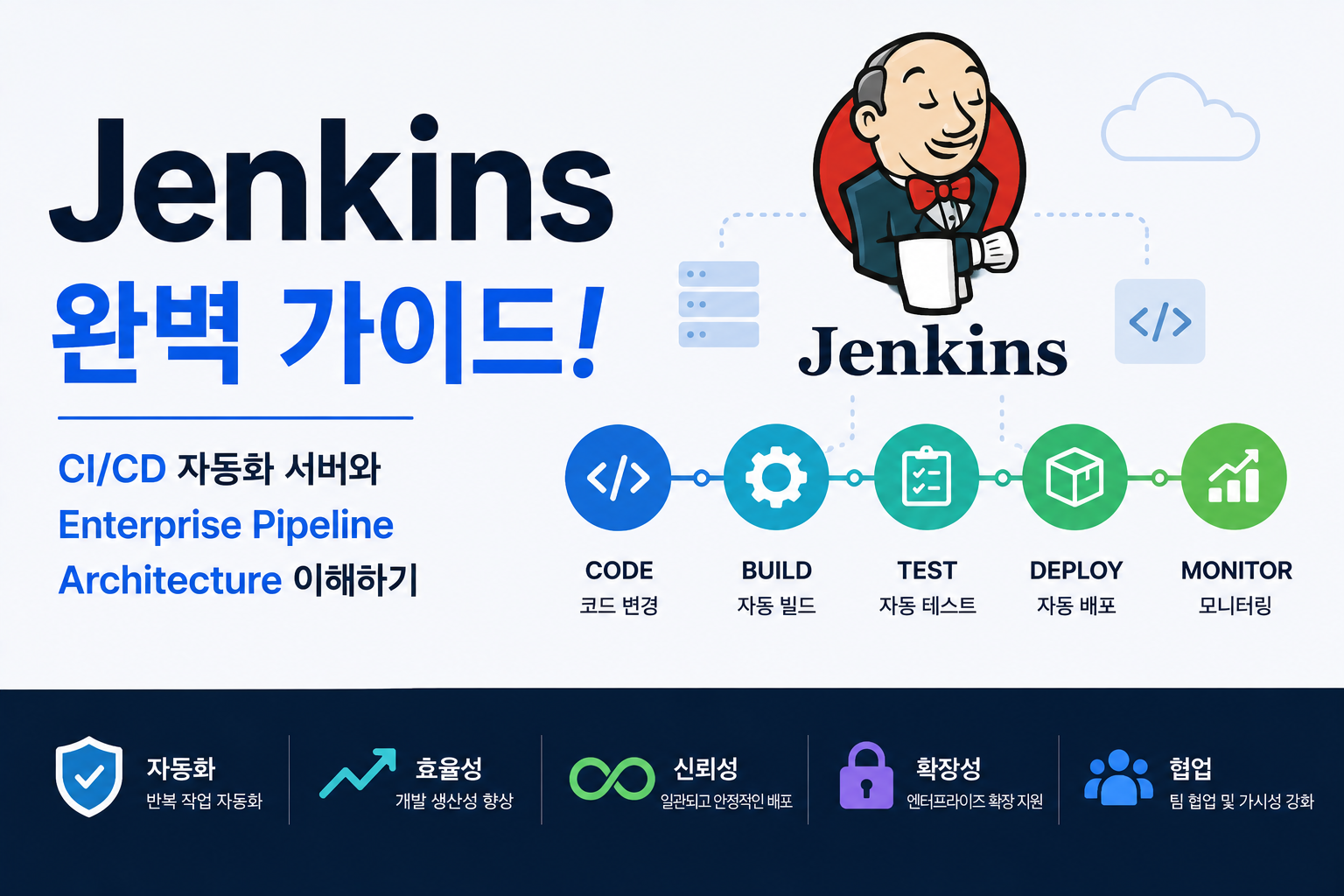
현대 Software 개발 환경에서는 Code 작성보다 빠르고 안정적인 배포 과정이 더욱 중요해지고 있습니다.
개발자가 Code를 작성한 후 직접 Build와 배포를 수행하면 다음과 같은 문제가 발생할 수 있습니다.
예:
Developer Code 작성
↓
수동 Build
↓
수동 Test
↓
수동 Deploy
↓
시간 증가 및 오류 발생
DevOps 환경에서는 이러한 반복 작업을 자동화하기 위해 CI/CD Automation Tool을 사용합니다.
그중 Jenkins는 오랜 기간 Enterprise 환경에서 가장 많이 사용된 CI/CD Automation Server입니다.
예:
Developer
↓
Git Repository
↓
Jenkins Pipeline
↓
Build
↓
Test
↓
Docker Image 생성
↓
Kubernetes Deploy
Jenkins는 Software Delivery 과정을 자동화하는 핵심 DevOps 도구입니다.
| 구성 요소 | 역할 |
|---|---|
| Jenkins Server | Pipeline 실행 관리 |
| Agent | 작업 실행 환경 |
| Pipeline | 자동화 Workflow |
| Plugin | 기능 확장 |
| Jenkinsfile | Pipeline 코드 정의 |
Jenkins 구조를 이해하면 Enterprise CI/CD Architecture를 설계할 수 있습니다.
Jenkins란?
Jenkins는 Open Source 기반의 Automation Server로 Software Build, Test, Deployment 과정을 자동화하는 CI/CD Tool입니다.
주요 기능:
- Continuous Integration
- Continuous Delivery
- Automated Testing
- Deployment Automation
- Plugin 기반 확장
DevOps Pipeline 구축에 활용됩니다.
Jenkins Architecture
기본 구조:
Developer

↓

Git Repository

↓

Jenkins Controller

↓

Jenkins Agent

↓

Build / Test / Deploy

↓

Production
Jenkins가 전체 Pipeline 실행을 관리합니다.
Jenkins Controller란?
Jenkins Controller는 Pipeline 실행을 관리하는 중앙 서버입니다.
역할:
- Job 관리
- Pipeline 실행 관리
- Plugin 관리
- Agent 연결
전체 Automation 환경을 제어합니다.
Jenkins Agent란?
Agent는 실제 Build와 Test 작업을 수행하는 실행 환경입니다.
구조:
Jenkins Controller

↓

Agent 1

Agent 2

Agent 3
대규모 환경에서는 여러 Agent를 사용합니다.
Jenkins Pipeline이란?
Pipeline은 Build부터 Deploy까지의 자동화 과정을 Code 형태로 정의하는 기능입니다.
예:
Source

↓

Build

↓

Test

↓

Package

↓

Deploy
반복 가능한 배포 Workflow를 구성합니다.
Jenkinsfile이란?
Jenkinsfile은 Pipeline 설정을 Code로 작성하는 파일입니다.
예:
pipeline {
    stages {
        stage('Build') {
            steps {
                echo 'Build Application'
            }
        }
    }
}
Pipeline도 Version Control로 관리할 수 있습니다.
Jenkins와 Git 연결
기본 흐름:
Git Push

↓

Webhook

↓

Jenkins Trigger

↓

Pipeline 실행
Code 변경 시 자동 Build를 실행합니다.
Jenkins와 Docker 연결
Container Pipeline:
Git

↓

Jenkins

↓

Docker Build

↓

Docker Image

↓

Registry Push
Container Image 생성 과정을 자동화합니다.
Jenkins와 Kubernetes 연결
Kubernetes 배포:
Developer

↓

Git

↓

Jenkins Pipeline

↓

Docker Image

↓

Kubernetes Deployment

↓

Pod Running
Cloud Native Application 배포에 활용됩니다.
Jenkins Plugin Architecture
Jenkins의 강력한 특징은 Plugin 기반 확장입니다.
대표 Plugin:
| Plugin | 역할 |
|---|---|
| Git Plugin | Repository 연결 |
| Docker Plugin | Container Build |
| Kubernetes Plugin | Cluster 연결 |
| Pipeline Plugin | Workflow 관리 |
필요한 기능을 추가할 수 있습니다.
Jenkins와 CI/CD Pipeline
전체 구조:
Code Commit

↓

Jenkins

↓

Build

↓

Test

↓

Deploy

↓

Production
Software Delivery를 자동화합니다.
Jenkins Security 관리
보안 구성:
- Authentication 설정
- Authorization 관리
- Credential 관리
- Secret 보호
- Plugin 관리
Enterprise 환경에서는 보안 설정이 중요합니다.
Jenkins와 DevSecOps
Security Pipeline:
Code

↓

Jenkins

↓

Security Scan

↓

Image Scan

↓

Deploy
배포 과정에 Security 검사를 포함할 수 있습니다.
Jenkins Best Practice
권장:
- Jenkinsfile 사용
- Agent 분리
- Credential 암호화
- Pipeline 단계 분리
- Plugin 관리
안정적인 CI/CD 환경을 구축합니다.
Jenkins 장애 분석
Jenkins 상태 확인:
systemctl status jenkinsJob 확인:
jenkins-cli list-jobsLog 확인:
journalctl -u jenkins확인:
- Build 오류
- Plugin 문제
- Agent 연결
- Permission 오류
Jenkins 장점
| 장점 | 설명 |
|---|---|
| 자동화 | CI/CD 구축 |
| 확장성 | Plugin 지원 |
| 호환성 | 다양한 Tool 연결 |
| Enterprise | 대규모 환경 지원 |
Jenkins는 DevOps Automation 환경에서 가장 대표적인 CI/CD Platform입니다.
자주 묻는 질문
Jenkins와 GitHub Actions 차이는 무엇인가요?
Jenkins는 독립적인 CI/CD Server이며 GitHub Actions는 GitHub Platform에 통합된 Automation 기능입니다.
Jenkins는 Kubernetes에서도 사용하나요?
사용합니다.
Jenkins Pipeline을 통해 Docker Image 생성과 Kubernetes Deployment 자동화를 구성할 수 있습니다.
Jenkins는 아직도 사용되나요?
네.
많은 Enterprise 환경에서 기존 Jenkins 기반 CI/CD Pipeline을 운영하고 있으며 GitHub Actions, GitLab CI 등과 함께 사용됩니다.
마무리
Jenkins는 Git Repository부터 Build, Test, Docker Image 생성, Kubernetes Deployment까지 Software Delivery 과정을 자동화하는 대표적인 CI/CD Automation Server입니다.
| 구성 요소 | 역할 |
|---|---|
| Controller | Pipeline 관리 |
| Agent | 작업 실행 |
| Pipeline | Automation Workflow |
| Plugin | 기능 확장 |
| Jenkinsfile | Pipeline 코드 |
Jenkins 구조를 이해하면 Enterprise 환경에서 안정적인 CI/CD Pipeline과 DevOps Automation Architecture를 구축할 수 있습니다.