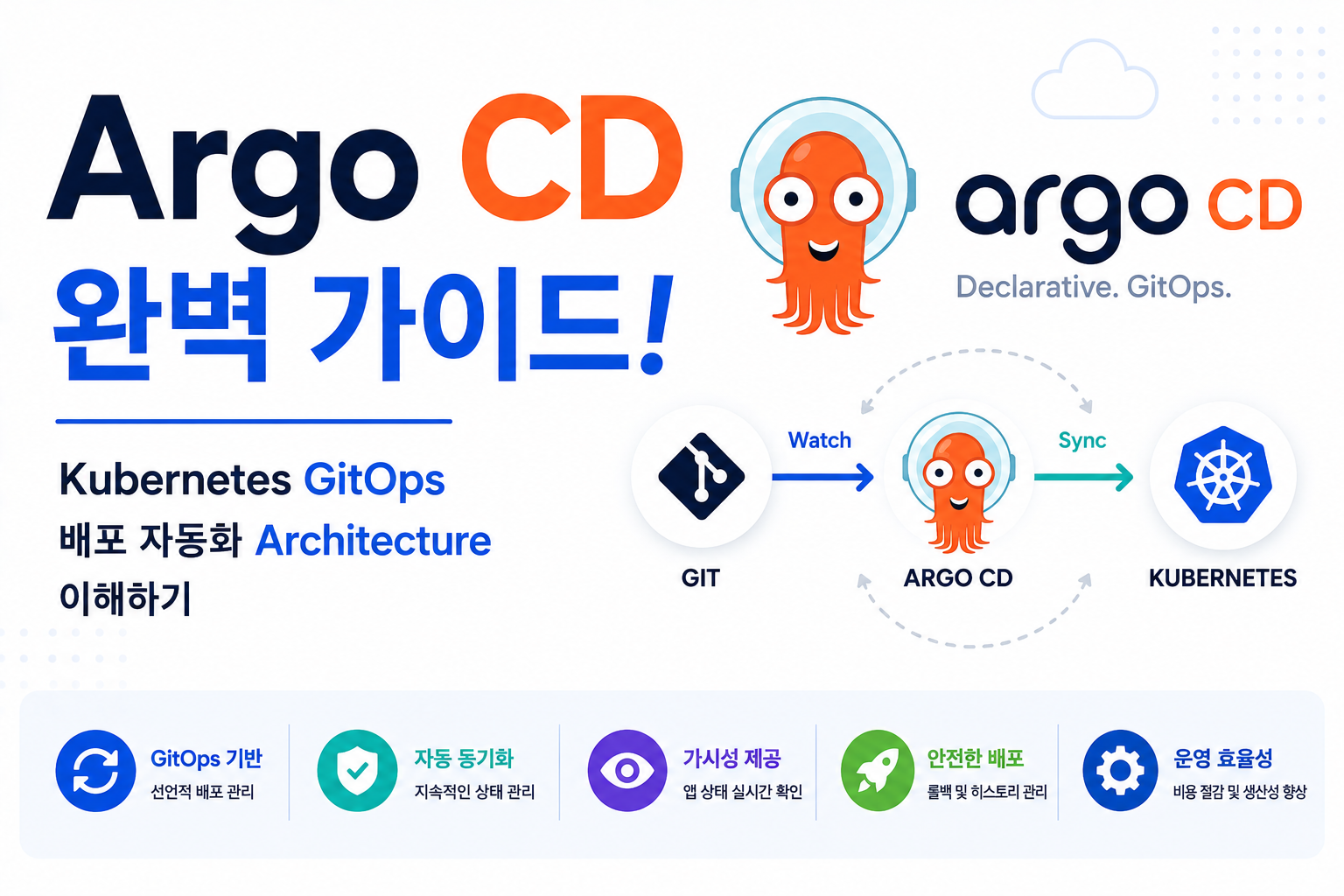
Cloud Native 환경에서는 Application 배포 방식이 점점 변화하고 있습니다.
기존 방식에서는 운영자가 직접 Kubernetes Cluster에 접속하여 Manifest를 적용하는 경우가 많았습니다.
기존 방식:
Developer
↓
YAML 작성
↓
kubectl apply
↓
Kubernetes 배포
하지만 Application 규모가 증가하면 다음 문제가 발생합니다.
- 현재 운영 상태 확인 어려움
- 변경 이력 관리 어려움
- 수동 배포 오류 발생
- Rollback 복잡
이를 해결하기 위해 Git을 운영 환경의 기준(Source of Truth)으로 사용하는 GitOps 방식이 등장했습니다.
그리고 Kubernetes GitOps 환경에서 가장 대표적인 도구가 Argo CD입니다.
예:
Developer
↓
Git Repository
↓
Argo CD
↓
Kubernetes Cluster
↓
Application Sync
Argo CD는 Git Repository 상태와 Kubernetes Cluster 상태를 비교하고 자동으로 동기화하는 Continuous Delivery Tool입니다.
| 구성 요소 | 역할 |
|---|---|
| Argo CD Server | Web UI/API 관리 |
| Application Controller | Sync 관리 |
| Repository Server | Git Manifest 관리 |
| Application | 배포 대상 관리 |
| Sync | Cluster 적용 |
Argo CD 구조를 이해하면 Kubernetes 기반 Enterprise GitOps Architecture를 설계할 수 있습니다.
Argo CD란?
Argo CD는 Kubernetes 환경에서 Git Repository를 기반으로 Application 배포를 자동화하는 GitOps Continuous Delivery Tool입니다.
핵심 개념:
- Declarative Deployment
- Git 기반 운영
- 자동 Sync
- Rollback 지원
- Kubernetes Native
Cloud Native 환경에서 많이 활용됩니다.
GitOps Architecture란?
GitOps는 Git Repository를 Infrastructure와 Application 운영 상태의 기준으로 사용하는 운영 방식입니다.
기본 구조:
Developer

↓

Git Repository

↓

Argo CD

↓

Kubernetes Cluster

↓

Application Running
Git 변경 사항을 Kubernetes 환경에 반영합니다.
Argo CD Architecture
전체 구조:
Git Repository

↓

Repository Server

↓

Application Controller

↓

Kubernetes API Server

↓

Pod Deployment
각 구성 요소가 배포 상태를 관리합니다.
Argo CD Application이란?
Application은 Git Repository와 Kubernetes Resource를 연결하는 객체입니다.
포함:
- Repository 위치
- Kubernetes Namespace
- Deployment 설정
- Sync 정책
배포 대상을 정의합니다.
Argo CD Sync 방식
Sync는 Git 상태와 Kubernetes 상태를 맞추는 과정입니다.
방식:
| 방식 | 설명 |
|---|---|
| Manual Sync | 관리자가 실행 |
| Automatic Sync | 자동 반영 |
| Self Heal | 상태 복구 |
| Prune | 삭제 Resource 정리 |
운영 환경에 맞게 선택합니다.
Argo CD와 Kubernetes Deployment
배포 흐름:
Git Commit

↓

Argo CD Detect

↓

Sync

↓

Kubernetes API

↓

Deployment Update

↓

New Pod Running
Application 배포를 자동화합니다.
Argo CD와 Helm
Helm 연동:
Helm Chart

↓

Git Repository

↓

Argo CD

↓

Kubernetes Cluster
복잡한 Kubernetes Application 관리에 활용됩니다.
Argo CD와 Kustomize
Kustomize 구조:
Base Manifest

↓

Overlay

↓

Argo CD

↓

Environment Deploy
개발, 테스트, 운영 환경을 분리할 수 있습니다.
Argo CD와 CI/CD Pipeline
현대 DevOps 구조:
Developer

↓

Git Push

↓

CI Build

↓

Container Image

↓

Git Manifest Update

↓

Argo CD

↓

Kubernetes Deploy
CI와 CD를 분리하는 구조입니다.
Argo CD와 Kubernetes Rollback
Git 기반 Rollback:
Current Version

↓

Previous Commit

↓

Sync

↓

Previous Deployment
빠른 복구가 가능합니다.
Argo CD Security
보안 구성:
- RBAC 설정
- Repository 인증
- Secret 관리
- Namespace 제한
Enterprise 환경에서 권한 관리가 중요합니다.
Argo CD Best Practice
권장:
- Git Repository 기반 운영
- Application 분리
- 자동 Sync 정책 설정
- RBAC 적용
- Secret 암호화
안정적인 Kubernetes 운영 환경을 구성합니다.
Argo CD 장애 분석
Application 상태 확인:
argocd app listApplication 상세 확인:
argocd app get application-nameSync 실행:
argocd app sync application-name확인:
- Sync 상태
- Repository 연결
- Kubernetes Resource 상태
- Permission 문제
Argo CD 장점
| 장점 | 설명 |
|---|---|
| GitOps | Git 기반 운영 |
| 자동화 | 배포 자동 Sync |
| Rollback | 버전 복구 |
| Kubernetes Native | Cluster 최적화 |
Argo CD는 Kubernetes GitOps 환경의 핵심 Continuous Delivery Tool입니다.
자주 묻는 질문
Argo CD와 Jenkins 차이는 무엇인가요?
Jenkins는 Build와 CI 과정에 강점이 있고, Argo CD는 Kubernetes 배포와 Continuous Delivery에 특화되어 있습니다.
Argo CD는 CI/CD를 대체하나요?
완전히 대체하지 않습니다.
CI Tool과 함께 사용하여 Build는 CI Tool이 담당하고 Deployment는 Argo CD가 담당하는 구조가 일반적입니다.
Kubernetes에서 꼭 필요한가요?
필수는 아니지만 Enterprise Kubernetes 환경에서는 GitOps 운영을 위해 많이 활용됩니다.
마무리
Argo CD는 Git Repository를 Source of Truth로 활용하여 Kubernetes Application 배포와 상태 관리를 자동화하는 GitOps Continuous Delivery Tool입니다.
| 구성 요소 | 역할 |
|---|---|
| Git Repository | 운영 기준 |
| Repository Server | Manifest 관리 |
| Application Controller | Sync 관리 |
| Sync | 배포 적용 |
| Kubernetes | Application 실행 |
Argo CD 구조를 이해하면 Kubernetes 기반 Enterprise GitOps와 Cloud Native DevOps Architecture를 구축할 수 있습니다.