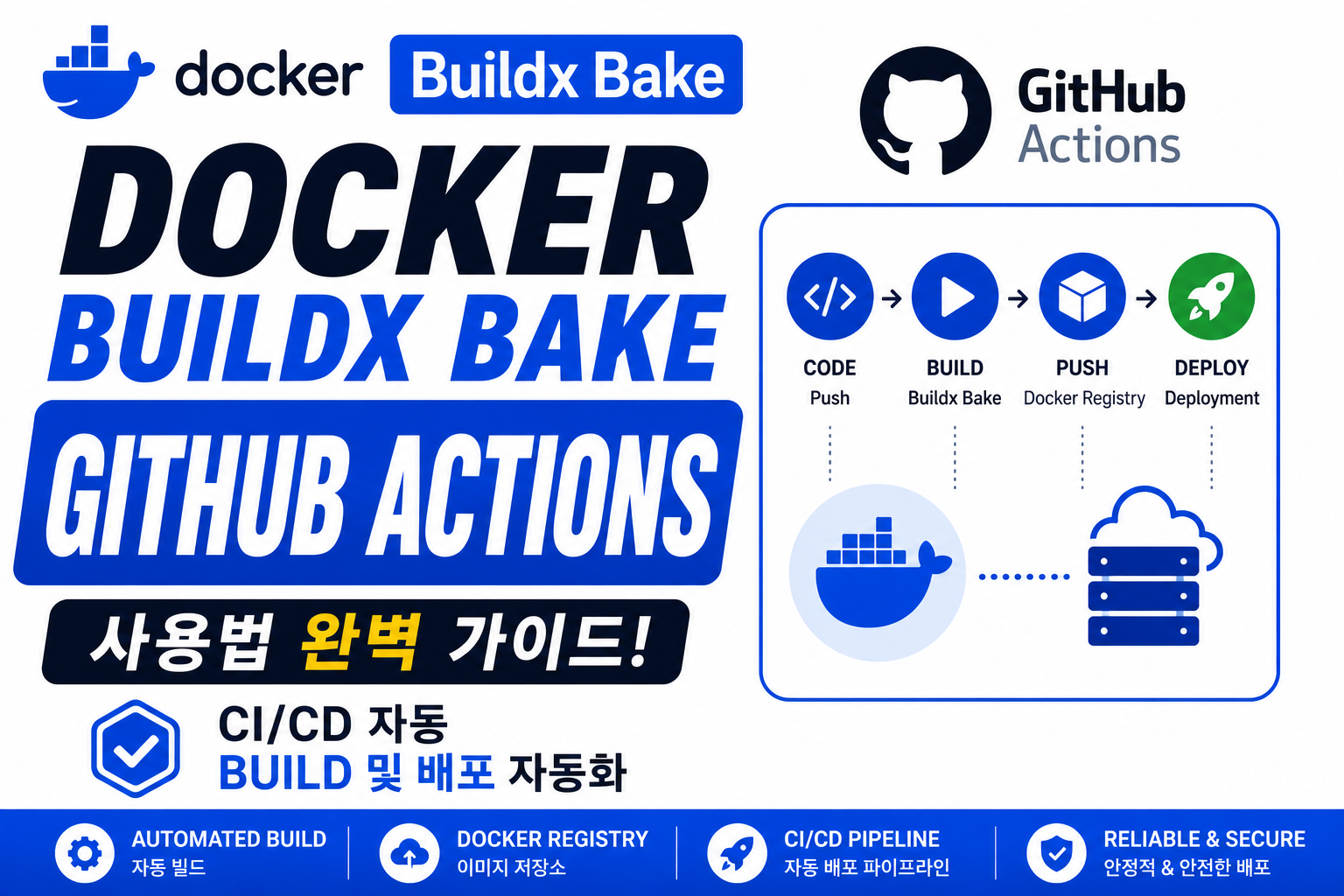
현대적인 서버 운영 환경에서는 Docker Image를 직접 Build하고 배포하는 방식보다 CI/CD Pipeline을 활용한 자동화 방식이 많이 사용됩니다.
예전 방식:
개발자

↓

직접 Docker Build

↓

서버 접속

↓

수동 배포
문제:
- 반복 작업 증가
- 실수 가능성 증가
- 배포 시간 증가
- 운영 관리 어려움
CI/CD 방식:
Git Push

↓

GitHub Actions 실행

↓

Docker Buildx Bake 실행

↓

Image Build

↓

Registry Push

↓

자동 배포
Docker Buildx Bake는 GitHub Actions와 함께 사용하면 환경별 Build 설정, Cache, Multi-platform Image 생성, Registry Push까지 자동화할 수 있습니다.
예:
name: Docker Build

on:
  push:
    branches:
      - main

jobs:
  build:

    runs-on: ubuntu-latest

    steps:

      - uses: actions/checkout@v4

      - name: Build Image
        run: |
          docker buildx bake production --push
결과:
코드 변경

↓

자동 Build

↓

Docker Image 생성

↓

Registry Push
이번 글에서는 Docker Buildx Bake GitHub Actions 연동 방법부터 Builder 설정, Cache 적용, Secret 관리, Multi-platform Build, Production CI/CD 구성까지 자세히 알아보겠습니다.
Docker Buildx Bake GitHub Actions란 무엇인가?
Docker Buildx Bake GitHub Actions는 GitHub Actions 환경에서 Bake 설정을 실행하여 Docker Build 과정을 자동화하는 방법입니다.
기본 구조:
GitHub Repository

↓

GitHub Actions Runner

↓

Docker Buildx Bake

↓

Container Registry

↓

배포 서버
사용되는 구성:
- GitHub Actions
- Docker Buildx
- docker-bake.hcl
- Docker Registry
Docker Buildx Bake GitHub Actions가 필요한 이유
서버 운영에서는 Image 생성과 배포를 자동화하는 것이 중요합니다.
수동 방식:
코드 수정

↓

서버 접속

↓

Docker Build

↓

Push

↓

배포
문제:
- 사람이 직접 실행 필요
- 배포 과정 오류 발생 가능
- 반복 작업 증가
자동화:
코드 Push

↓

Workflow 실행

↓

Image 생성

↓

배포 준비
장점:
- 빠른 배포
- 일관된 Build 환경
- 자동화된 운영
- 오류 감소
Docker Buildx Bake GitHub Actions 기본 설정
프로젝트 구조:
project/

├── Dockerfile

├── docker-bake.hcl

└── .github/

    └── workflows/

        └── docker.yml
docker-bake.hcl:
target "production" {

  tags = [

    "docker.io/company/app:v1"

  ]

}
GitHub Actions:
name: Docker Build

on:
  push:
    branches:
      - main

jobs:

  docker:

    runs-on: ubuntu-latest

    steps:

      - name: Checkout
        uses: actions/checkout@v4

      - name: Build
        run: |
          docker buildx bake production
코드 Push 시 자동 Build가 실행됩니다.
Docker Buildx Setup Buildx 설정
GitHub Actions에서는 Buildx 환경을 먼저 설정하는 것이 좋습니다.
예:
- name: Setup Docker Buildx

  uses: docker/setup-buildx-action@v3
전체 구조:
steps:

- uses: actions/checkout@v4

- uses: docker/setup-buildx-action@v3

- run: |
    docker buildx bake production
효과:
- Buildx Builder 생성
- Multi-platform 지원
- Cache 사용 가능
Docker Buildx Bake GitHub Actions Registry Push
Production 환경에서는 Build 후 Registry Push가 필요합니다.
예:
- name: Login Registry

  uses: docker/login-action@v3

  with:

    username: ${{ secrets.DOCKER_USERNAME }}

    password: ${{ secrets.DOCKER_PASSWORD }}


- name: Build Push

  run: |

    docker buildx bake production --push
흐름:
GitHub Actions

↓

Docker Login

↓

Bake Build

↓

Registry Push
Docker Buildx Bake GitHub Actions Cache 설정
CI/CD에서는 매번 새로운 Runner가 생성됩니다.
Cache 없음:
Runner 생성

↓

Cache 없음

↓

전체 Build
Cache 적용:
- name: Build

  run: |

    docker buildx bake production
docker-bake.hcl:
target "production" {

  cache-from = [

    "type=gha"

  ]

  cache-to = [

    "type=gha"

  ]

}
효과:
- Build 시간 감소
- 반복 작업 감소
- CI 비용 절감
Docker Buildx Bake GitHub Actions Multi-platform Build
여러 Architecture Image를 자동 생성할 수 있습니다.
docker-bake.hcl:
target "production" {

  platforms = [

    "linux/amd64",

    "linux/arm64"

  ]

}
Workflow:
- name: Build Multi Platform

  run: |

    docker buildx bake production --push
결과:
Registry

app:v1

├── amd64

└── arm64
Docker Buildx Bake GitHub Actions Secret 관리
API Key, Token, SSH Key 같은 정보는 GitHub Secrets를 사용하는 것이 좋습니다.
예:
GitHub Secret:
DOCKER_TOKENWorkflow:
env:

  TOKEN: ${{ secrets.DOCKER_TOKEN }}
Bake:
secret = [

"id=token,env=TOKEN"

]
보안 장점:
- Key 노출 방지
- Repository 보호
- Build 과정만 사용
Docker Buildx Bake GitHub Actions Attestation 적용
보안 강화 환경에서는 Attestation도 함께 사용할 수 있습니다.
예:
- name: Secure Build

  run: |

    docker buildx bake production \
    --push \
    --attest type=provenance \
    --attest type=sbom
결과:
Image

+

SBOM

+

Provenance

↓

Registry 저장
Docker Buildx Bake GitHub Actions 실무 예제
.github/workflows/docker.yml
name: Docker Production Build

on:

  push:

    branches:

      - main


jobs:

  build:

    runs-on: ubuntu-latest


    steps:

      - name: Checkout

        uses: actions/checkout@v4


      - name: Setup Buildx

        uses: docker/setup-buildx-action@v3


      - name: Login Registry

        uses: docker/login-action@v3


      - name: Build

        run: |

          docker buildx bake production --push
결과:
Developer Push

↓

GitHub Actions 실행

↓

Docker Build

↓

Registry Push

↓

배포 준비 완료
Docker Buildx Bake GitHub Actions 확인 방법
Workflow 확인:
GitHub Repository
↓
Actions 메뉴
↓
실행 로그 확인
Build 확인:
docker buildx imagetools inspect image-name확인:
- Image Tag
- Platform
- Digest
- Attestation
Docker Buildx Bake GitHub Actions 문제 해결
Docker Login 실패
확인:
- Secret 등록
- Token 권한
- Registry 주소
Buildx 오류
확인:
uses: docker/setup-buildx-action@v3Builder 설정 확인
Cache 적용 안 되는 경우
확인:
- cache-from
- cache-to
- GitHub Actions 권한
Docker Buildx Bake GitHub Actions 사용 시 주의사항
첫 번째는 Registry Secret을 직접 코드에 작성하면 안 됩니다.
두 번째는 Production Workflow와 테스트 Workflow를 분리하는 것이 좋습니다.
세 번째는 Cache 용량 관리를 해야 합니다.
네 번째는 Image 검증 단계까지 포함하는 것이 좋습니다.
Best Practice
Docker Buildx Bake GitHub Actions 활용 방법:
- Build 자동화
- Registry Push 자동화
- Cache 적용
- Multi-platform Build
- Secret 관리
- SBOM/Provenance 적용
자주 묻는 질문
Docker Buildx Bake를 GitHub Actions에서 사용할 수 있나요?
가능합니다.
CI/CD Pipeline 자동 Build에 많이 사용됩니다.
GitHub Actions에서 Multi-platform Build가 가능한가요?
가능합니다.
Buildx와 QEMU 환경을 활용할 수 있습니다.
Cache를 사용할 수 있나요?
가능합니다.
GitHub Actions Cache 또는 Registry Cache를 사용할 수 있습니다.
Production 배포에도 사용할 수 있나요?
가능합니다.
Build → Push → Deploy 자동화 구조를 만들 수 있습니다.
마무리
Docker Buildx Bake GitHub Actions 연동은 Docker Image Build 과정을 자동화하는 핵심 기술입니다.
코드 변경부터 Image 생성, Registry Push, 보안 검증까지 자동화하면 서버 운영 효율을 크게 높일 수 있습니다.
특히 서버 전문 운영 환경에서는 CI/CD Pipeline 구축이 필수이며, Docker Buildx Bake와 GitHub Actions 조합은 안정적인 Container 배포 시스템을 만드는 기본 구조가 됩니다.