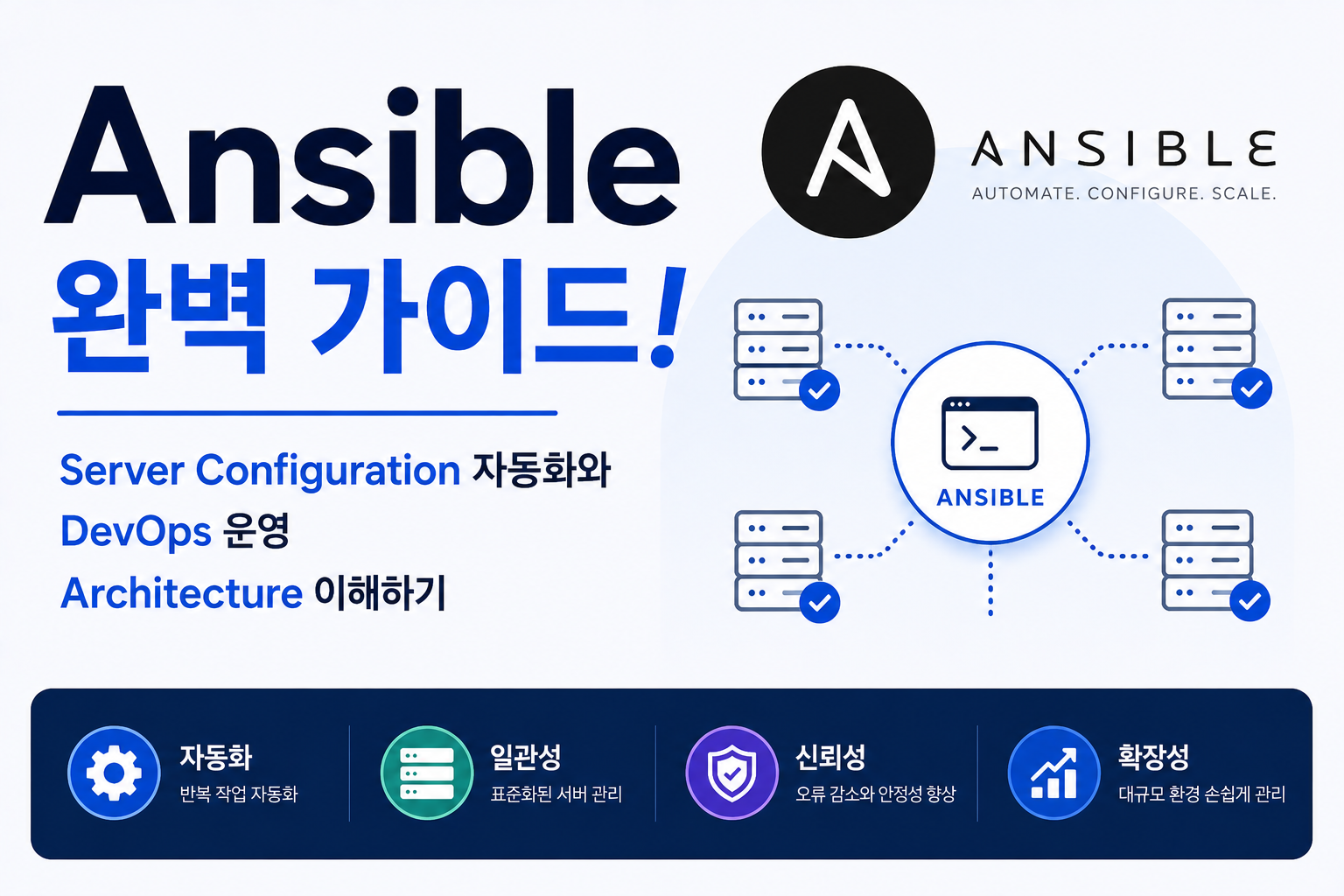
Cloud와 Server 환경이 커지면서 Infrastructure를 생성하는 것뿐만 아니라 생성된 Server를 일관된 상태로 관리하는 것이 중요해지고 있습니다.
기존 방식:
Server 생성
↓
각 Server 접속
↓
Package 설치
↓
Configuration 설정
↓
반복 작업 발생
Server 수가 증가하면 동일한 작업을 반복해야 하고 환경 차이가 발생할 수 있습니다.
예:
Server A
→ Nginx 설치 완료
Server B
→ 설정 누락 발생
이러한 문제를 해결하기 위해 Configuration Management 도구가 필요합니다.
Ansible은 Server 설정, Application 배포, 반복 작업 자동화를 지원하는 대표적인 Configuration Management Tool입니다.
예:
Ansible Playbook 작성
↓
Target Server 연결
↓
Package 설치
↓
Configuration 적용
↓
Server 상태 일치
Ansible 구조를 이해하면 Enterprise Server Automation과 DevOps 운영 Architecture를 설계할 수 있습니다.
| 구성 요소 | 역할 |
|---|---|
| Control Node | Automation 실행 Server |
| Managed Node | 관리 대상 Server |
| Inventory | Server 목록 관리 |
| Playbook | 자동화 작업 정의 |
| Module | 실행 기능 제공 |
Ansible은 Cloud 환경과 DevOps 운영에서 Server 관리 자동화의 핵심 기술입니다.
Ansible이란?
Ansible은 Open Source 기반 Configuration Management 및 Automation Tool입니다.
주요 기능:
- Server Configuration 자동화
- Package 설치 자동화
- Application 배포
- System 관리
- Cloud Resource 관리
Agent 없이 SSH 기반으로 동작하는 것이 특징입니다.
Ansible Architecture
기본 구조:
Control Node

↓

Ansible

↓

SSH Connection

↓

Managed Nodes

↓

Configuration 적용
중앙 Server에서 여러 대상 Server를 관리합니다.
Ansible Control Node란?
Control Node는 Ansible 명령을 실행하는 관리 Server입니다.
역할:
- Playbook 실행
- Inventory 관리
- Module 실행
- 결과 확인
Automation의 중심 역할을 담당합니다.
Ansible Managed Node란?
Managed Node는 Ansible이 관리하는 대상 Server입니다.
예:
- Linux Server
- Cloud Instance
- Database Server
- Application Server
여러 Server를 동시에 관리할 수 있습니다.
Ansible Inventory란?
Inventory는 관리 대상 Server 목록을 정의하는 파일입니다.
예:
[webserver]
server1
server2
[database]
server3
Server 그룹을 관리합니다.
Ansible Playbook이란?
Playbook은 자동화 작업을 YAML 형태로 정의한 파일입니다.
예:
- name: Install nginx
  hosts: webserver
  tasks:
    - name: Install package
      apt:
        name: nginx
        state: present
Server 설정 과정을 Code처럼 관리합니다.
Ansible Module이란?
Module은 Ansible이 제공하는 작업 단위입니다.
대표 Module:
| Module | 역할 |
|---|---|
| apt | Package 설치 |
| yum | Linux Package 관리 |
| service | Service 관리 |
| copy | File 복사 |
| template | Configuration 생성 |
반복 작업을 자동화합니다.
Ansible과 Terraform 차이
| 구분 | Terraform | Ansible |
|---|---|---|
| 목적 | Infrastructure 생성 | Server 설정 |
| 관리 | Cloud Resource | OS Configuration |
| 방식 | IaC | Configuration Management |
| 예시 | VPC, EC2 생성 | Nginx 설치 |
두 기술은 함께 사용하는 경우가 많습니다.
Ansible과 AWS Cloud
Cloud 운영:
Terraform

↓

EC2 생성

↓

Ansible

↓

OS 설정

↓

Application Deploy
Infrastructure 생성 후 Server 설정을 자동화합니다.
Ansible과 Kubernetes
Kubernetes 환경:
Ansible

↓

Server Preparation

↓

Docker 설치

↓

Kubernetes Node 구성
Cluster 구축 과정에서도 활용됩니다.
Ansible과 CI/CD Pipeline
DevOps 자동화:
Git Push

↓

CI/CD Pipeline

↓

Ansible Playbook 실행

↓

Server Update
Application 배포 자동화에 사용됩니다.
Ansible과 Security Automation
보안 자동화:
Ansible

↓

Security Policy

↓

Server Configuration

↓

Compliance 유지
Server 보안 설정을 표준화합니다.
Ansible Best Practice
권장:
- Playbook Version 관리
- Inventory 분리
- Role 사용
- Secret 암호화
- Idempotent 구성
안정적인 Automation 환경을 구축합니다.
Ansible 장애 분석
Inventory 확인:
ansible-inventory --list연결 확인:
ansible all -m pingPlaybook 실행:
ansible-playbook site.yml확인:
- SSH 연결
- Permission 문제
- YAML 오류
- Module 실패
Ansible 장점
| 장점 | 설명 |
|---|---|
| 자동화 | 반복 작업 제거 |
| Agentless | 설치 부담 감소 |
| 확장성 | 대규모 Server 관리 |
| 재사용 | Playbook 활용 |
Ansible은 Enterprise 환경에서 Server Configuration 자동화에 널리 사용되는 DevOps Tool입니다.
자주 묻는 질문
Ansible은 Terraform을 대체하나요?
아닙니다.
Terraform은 Infrastructure 생성, Ansible은 생성된 Server의 Configuration 관리에 적합합니다.
Ansible은 Kubernetes에서도 사용하나요?
사용합니다.
Kubernetes Node 준비, Server 설정, 운영 자동화 과정에서 활용됩니다.
Ansible은 Agent 설치가 필요한가요?
일반적으로 필요하지 않습니다.
SSH 기반으로 Target Server를 관리합니다.
마무리
Ansible은 Server Configuration과 Application 배포 과정을 자동화하는 Configuration Management Tool입니다.
| 구성 요소 | 역할 |
|---|---|
| Control Node | Automation 실행 |
| Managed Node | 관리 대상 |
| Inventory | Server 관리 |
| Playbook | 작업 정의 |
| Module | 기능 실행 |
Ansible 구조를 이해하면 Terraform, Kubernetes, CI/CD와 연결된 Enterprise DevOps Automation Architecture를 구축할 수 있습니다.