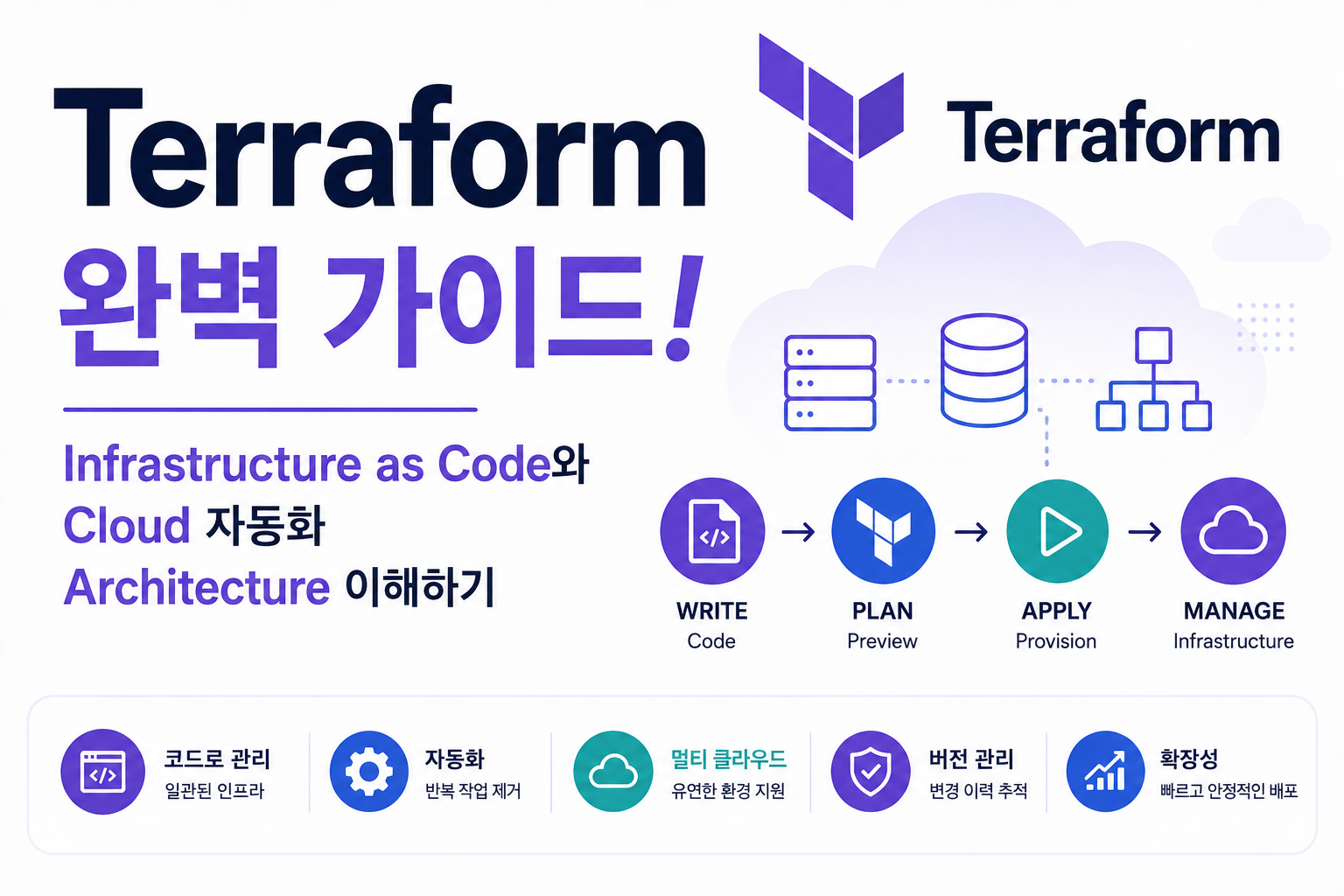
Cloud 환경에서는 Server, Network, Database, Security Resource를 직접 생성하는 방식보다 Code를 이용하여 Infrastructure를 관리하는 방식이 중요해지고 있습니다.
기존 방식:
AWS Console 접속
↓
VPC 생성
↓
EC2 생성
↓
Security Group 설정
↓
수동 관리
하지만 Infrastructure 규모가 커지면 다음 문제가 발생합니다.
- 설정 변경 추적 어려움
- 동일 환경 생성 어려움
- 수동 작업 오류 발생
- 복구 시간 증가
이를 해결하기 위해 Infrastructure as Code(IaC) 개념이 등장했습니다.
Terraform은 대표적인 IaC Tool로 Infrastructure를 Code 형태로 정의하고 자동으로 생성·변경·관리할 수 있도록 지원합니다.
예:
Terraform Code 작성
↓
Plan 확인
↓
Apply 실행
↓
Cloud Resource 생성
Terraform 구조를 이해하면 AWS, Kubernetes, Multi Cloud 환경의 자동화 Architecture를 설계할 수 있습니다.
| 구성 요소 | 역할 |
|---|---|
| Provider | Cloud 연결 |
| Resource | Infrastructure 정의 |
| State | 현재 상태 관리 |
| Module | 재사용 구조 |
| Plan | 변경 미리보기 |
Terraform은 현대 DevOps와 Cloud Engineering 환경의 핵심 기술입니다.
Terraform이란?
Terraform은 HashiCorp에서 개발한 Open Source Infrastructure as Code Tool입니다.
지원 환경:
- AWS
- Azure
- Google Cloud
- Kubernetes
- Docker
- VMware
다양한 Infrastructure를 동일한 방식으로 관리할 수 있습니다.
Infrastructure as Code(IaC)란?
IaC는 Infrastructure를 Code로 관리하는 방식입니다.
기존 방식:
Console

↓

수동 생성

↓

환경 차이 발생
IaC 방식:
Code 작성

↓

Review

↓

Deploy

↓

Infrastructure 생성
Infrastructure도 Application Code처럼 Version 관리합니다.
Terraform Architecture
기본 구조:
Terraform Configuration

↓

Terraform CLI

↓

Provider

↓

Cloud API

↓

Infrastructure
Terraform이 Cloud Resource를 관리합니다.
Terraform Provider란?
Provider는 Terraform이 외부 Platform과 연결하기 위한 Plugin입니다.
예:
Terraform

↓

AWS Provider

↓

AWS API

↓

EC2 / VPC / S3
Cloud Resource와 통신합니다.
Terraform Resource란?
Resource는 실제 생성할 Infrastructure 요소입니다.
예:
- EC2 Instance
- VPC
- Security Group
- S3 Bucket
- RDS Database
Code로 Resource 상태를 정의합니다.
예:
resource "aws_instance" "server" {
  ami = "example"
  instance_type = "t3.micro"
}
Terraform State란?
State는 Terraform이 관리하는 Infrastructure 현재 상태 정보입니다.
구조:
Terraform Code

↓

State File

↓

Real Infrastructure
Code와 실제 Resource 상태를 비교합니다.
Terraform Plan과 Apply
Terraform Workflow:
terraform init

↓

terraform plan

↓

terraform apply

↓

Infrastructure 생성
변경 사항을 확인 후 적용합니다.
Terraform Module
Module은 반복되는 Infrastructure Code를 재사용하는 기능입니다.
구조:
Module

↓

VPC Module

↓

EC2 Module

↓

Database Module
대규모 환경에서 활용합니다.
Terraform과 AWS Cloud
AWS Architecture:
Terraform

↓

AWS Provider

↓

VPC

↓

EC2

↓

RDS

↓

Load Balancer
Cloud Infrastructure 자동화를 구성합니다.
Terraform과 Kubernetes
Kubernetes Infrastructure:
Terraform

↓

EKS Cluster

↓

Node Group

↓

Network

↓

Kubernetes Environment
Cloud Native 환경 구축에 활용됩니다.
Terraform과 GitOps
Infrastructure GitOps:
Terraform Code

↓

Git Repository

↓

CI/CD Pipeline

↓

Cloud Infrastructure
Infrastructure 변경도 Git으로 관리합니다.
Terraform과 CI/CD Pipeline
Automation 구조:
Developer

↓

Git Push

↓

CI Pipeline

↓

Terraform Plan

↓

Terraform Apply

↓

Infrastructure Update
Infrastructure 배포를 자동화합니다.
Terraform Best Practice
권장:
- Remote State 사용
- Module 활용
- Git Version 관리
- Plan 검토 후 Apply
- Secret 분리 관리
안정적인 IaC 환경을 구축합니다.
Terraform 장애 분석
초기화 확인:
terraform init변경 확인:
terraform plan상태 확인:
terraform show적용 확인:
terraform state list확인:
- Provider 연결
- State 오류
- Permission 문제
- Resource Drift
Terraform 장점
| 장점 | 설명 |
|---|---|
| 자동화 | Infrastructure 생성 |
| Version 관리 | 변경 추적 |
| 재사용 | Module 활용 |
| Multi Cloud | 다양한 Platform 지원 |
Terraform은 DevOps와 Cloud Engineering에서 가장 중요한 IaC Tool 중 하나입니다.
자주 묻는 질문
Terraform은 AWS 전용인가요?
아닙니다.
AWS뿐 아니라 Azure, Google Cloud, Kubernetes 등 다양한 환경을 지원합니다.
Terraform과 Ansible 차이는 무엇인가요?
Terraform은 Infrastructure 생성과 관리에 강점이 있고 Ansible은 Server Configuration과 Application 설정 자동화에 강점이 있습니다.
Terraform은 Kubernetes에서도 사용하나요?
사용합니다.
EKS Cluster, Network, Node Group 등 Kubernetes Infrastructure 구성에 활용됩니다.
마무리
Terraform은 Infrastructure를 Code로 정의하고 Cloud Resource를 자동 생성·관리하는 대표적인 Infrastructure as Code Tool입니다.
| 구성 요소 | 역할 |
|---|---|
| Provider | Platform 연결 |
| Resource | Resource 정의 |
| State | 상태 관리 |
| Module | 재사용 |
| Plan | 변경 확인 |
Terraform 구조를 이해하면 AWS Cloud, Kubernetes, GitOps 기반의 현대 DevOps Infrastructure Automation Architecture를 구축할 수 있습니다.